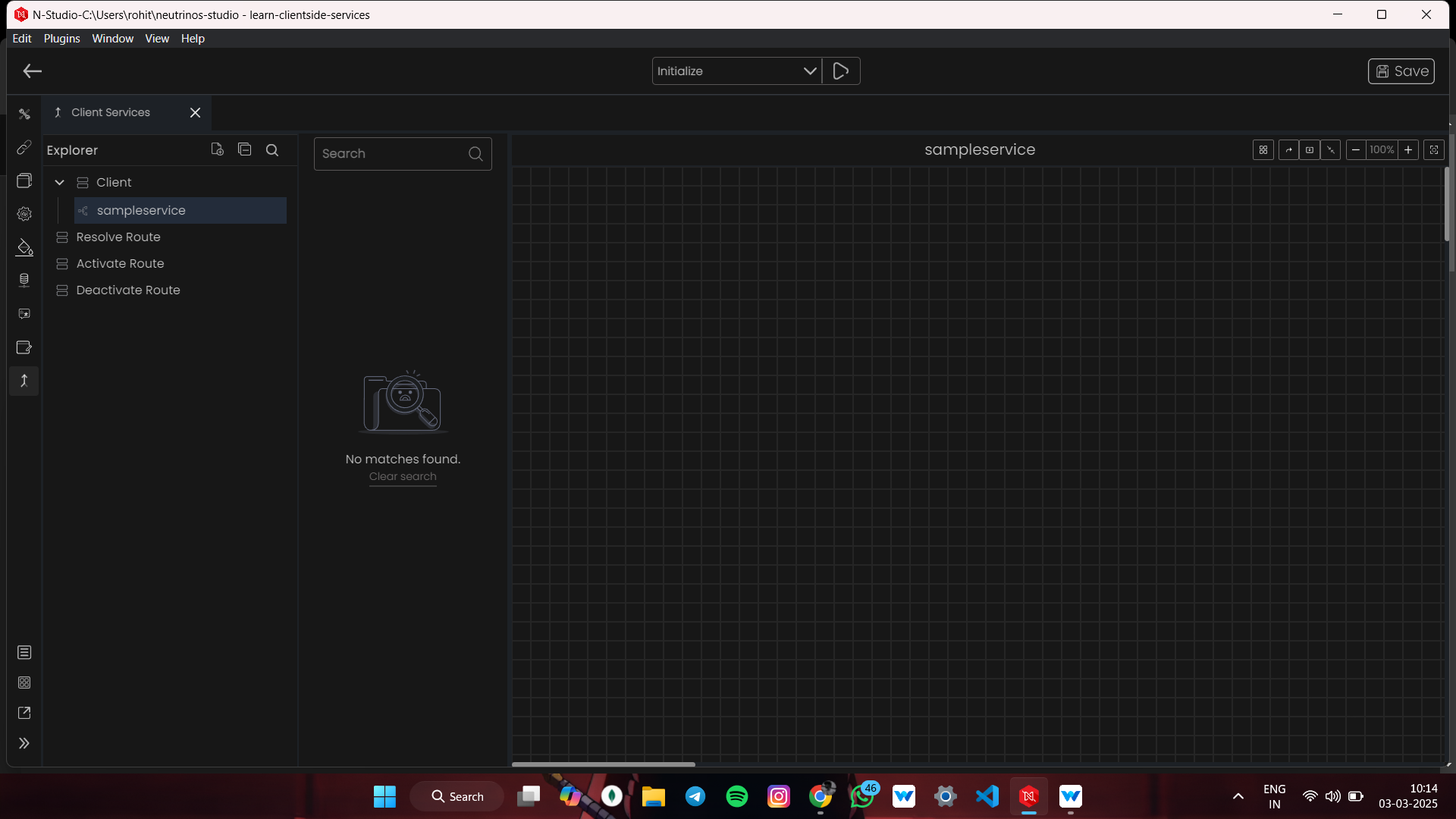
@ragesh-a Please look in to this
The same issue is here
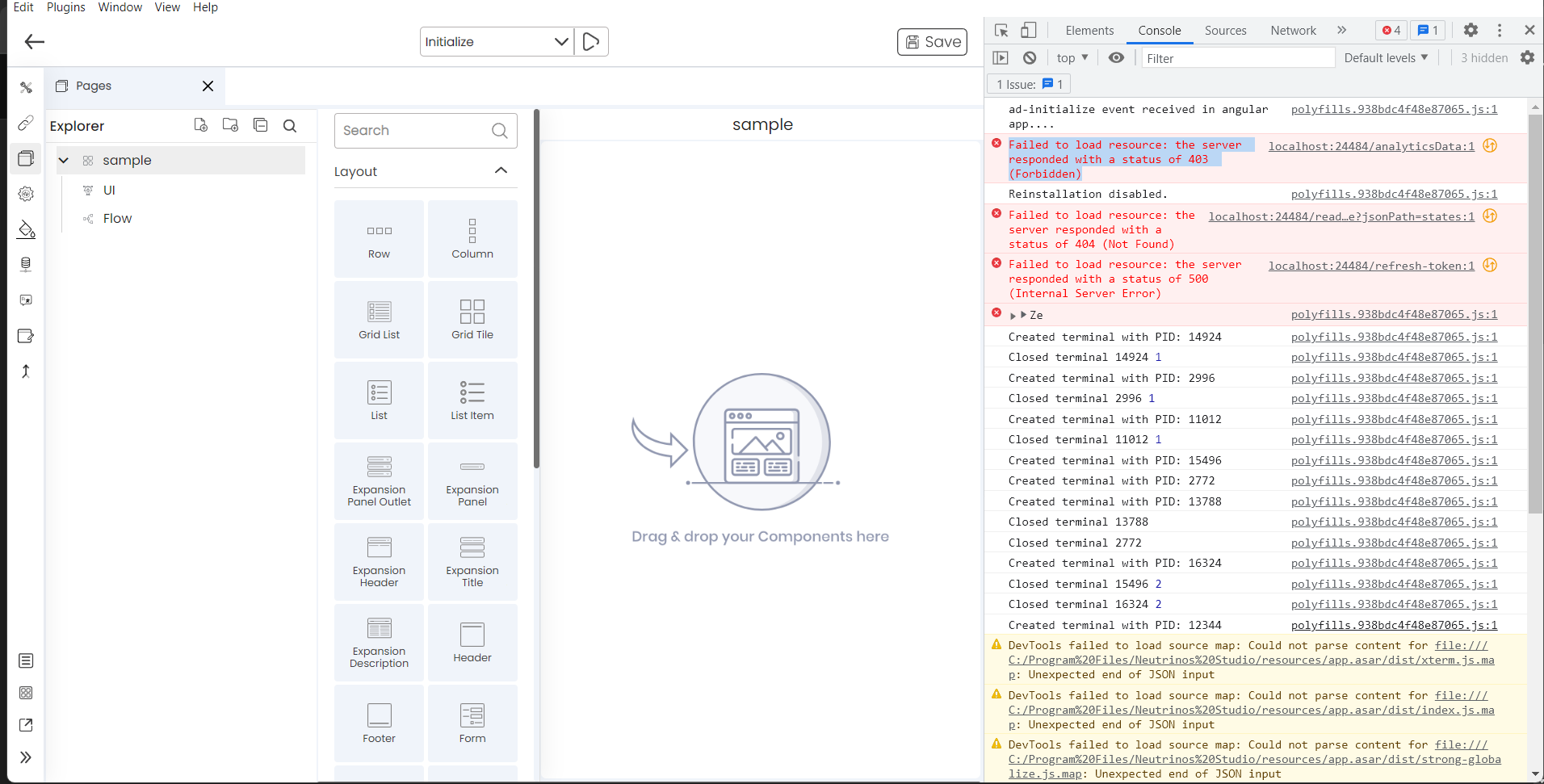
@abhishek could you please check the services to see if there are any errors?
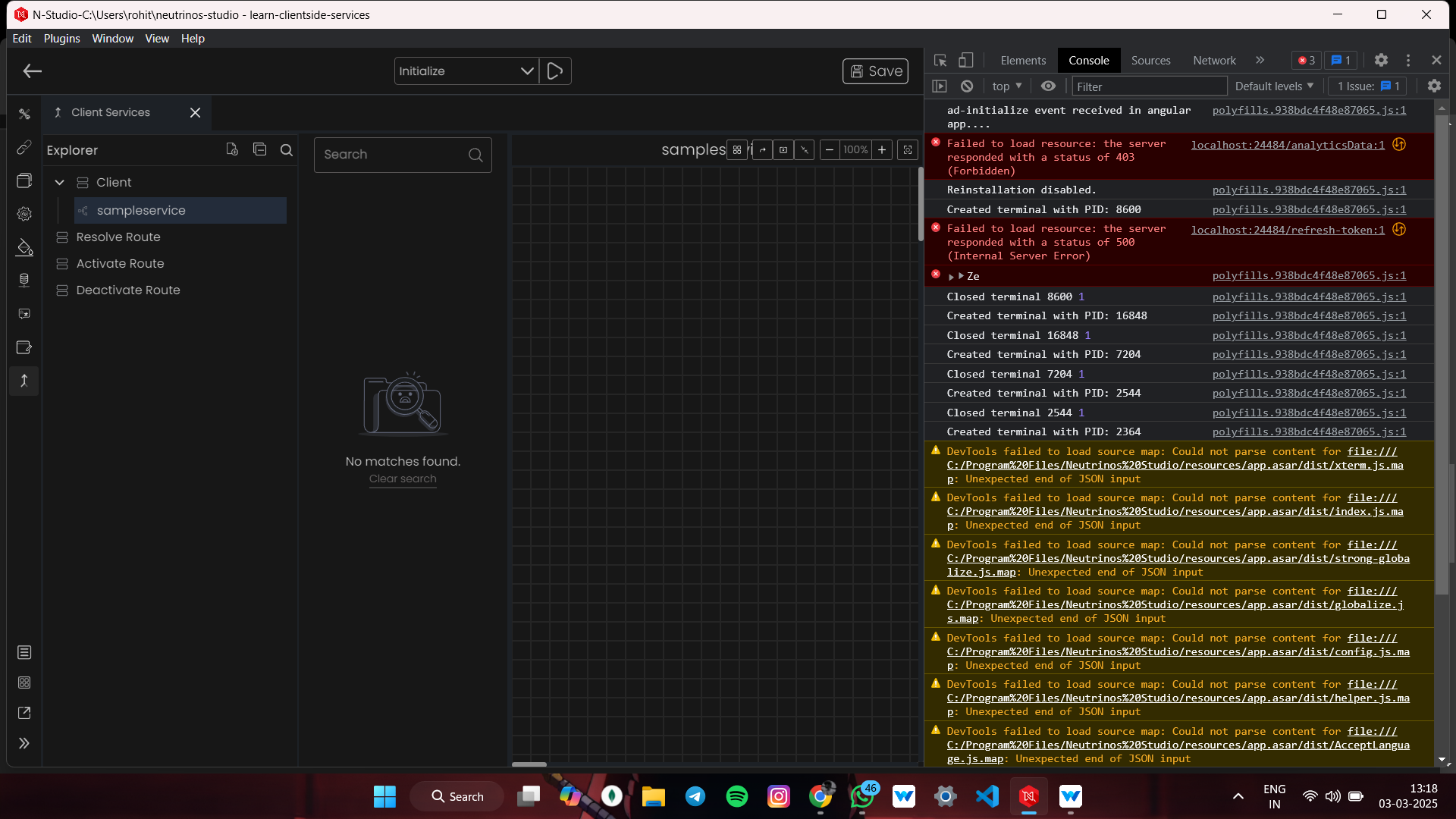
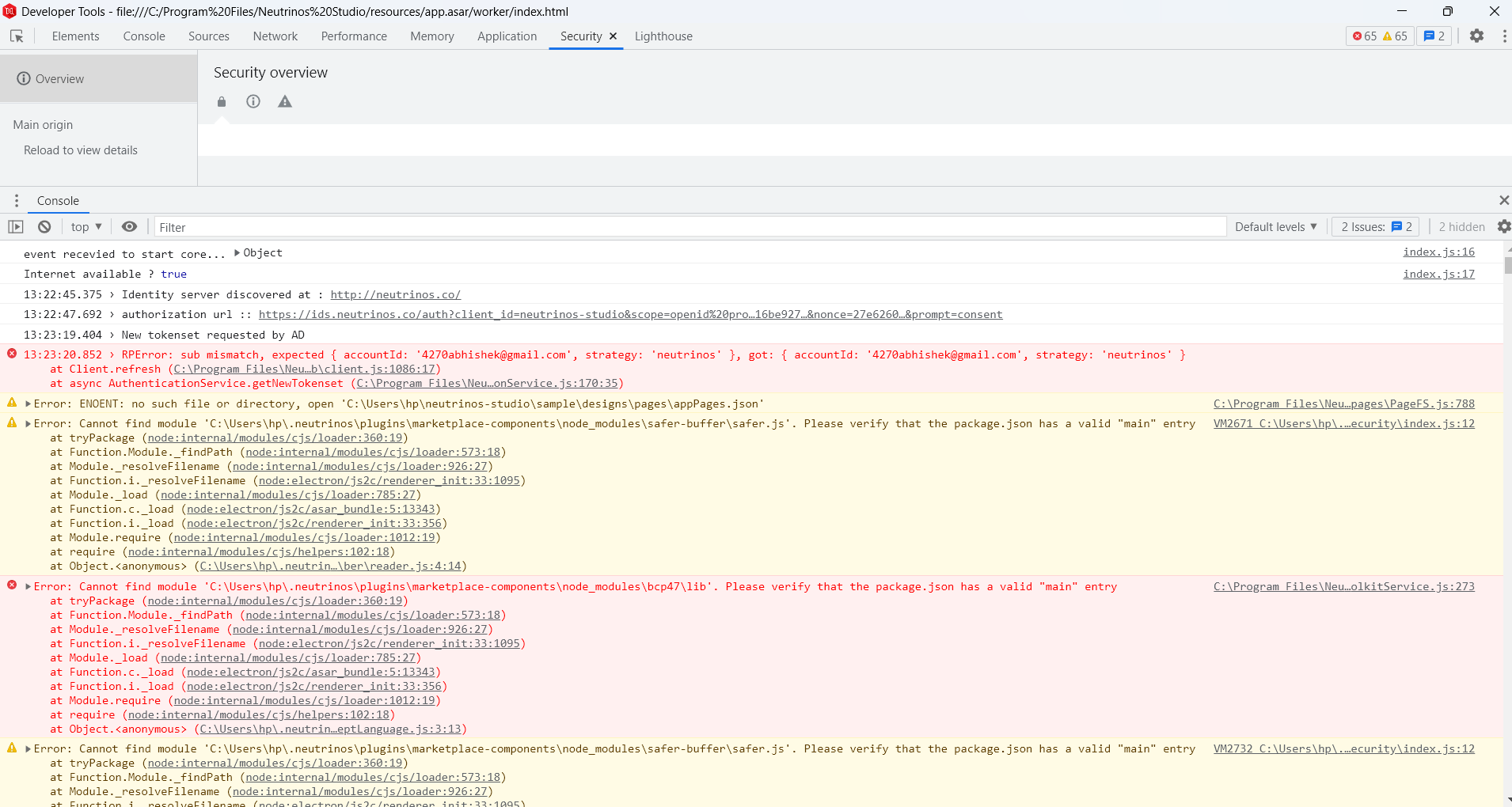
I cannot see any errors. Could you please do one more thing? Go to Help and select Debug: Toggle Core Dev Tools to check if there are any errors there.
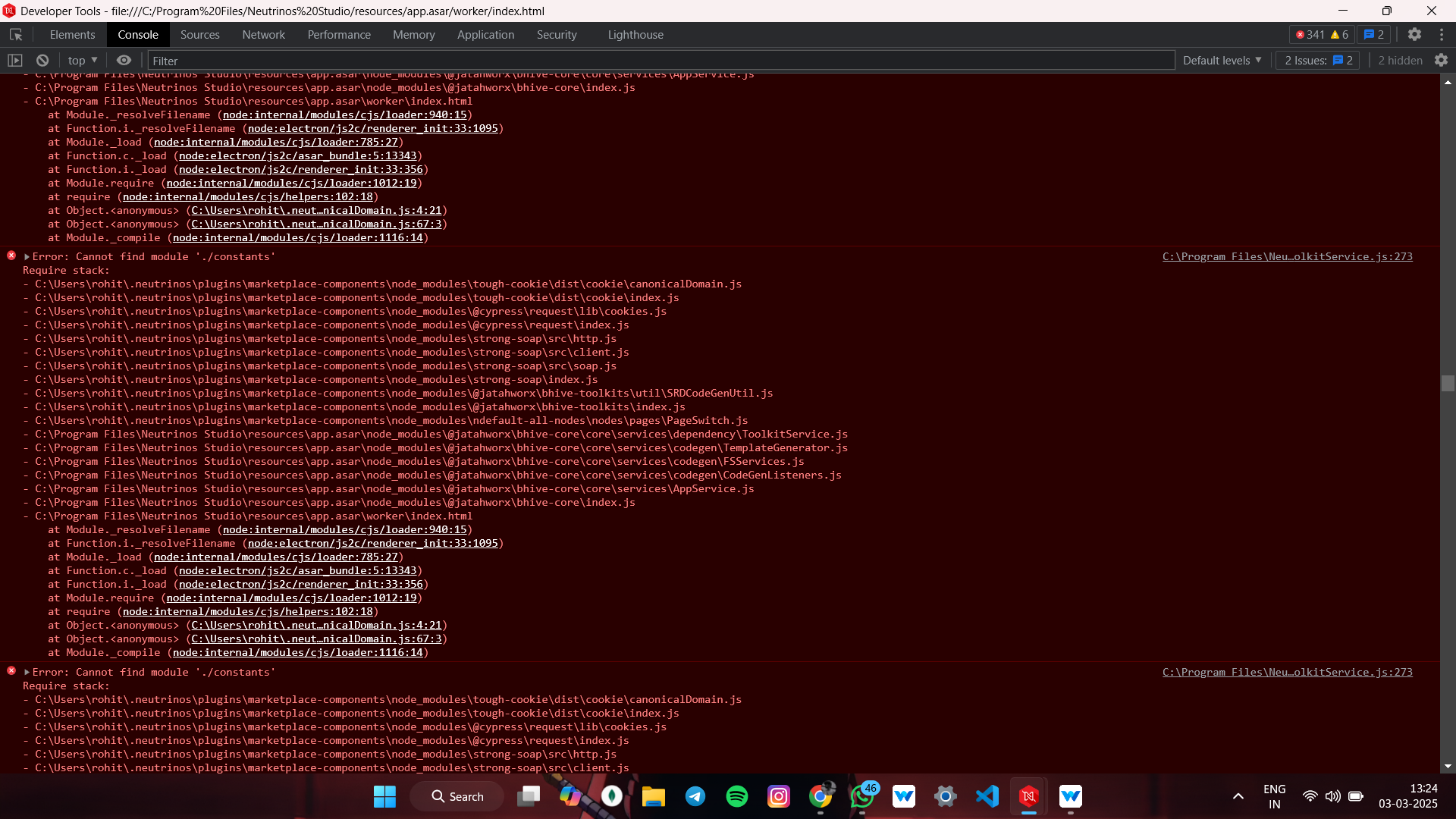
Close Studio. Go to C:\Users\<username> and delete the .neutrinos folder. In your case the .neutrinos folder will be under C:\Users\rohit. Then restart Studio
Thank you for the help! It worked perfectly.
@abhishek did that fix work for you?
Thank you for your help , its working